
Teaching Myself After Effects
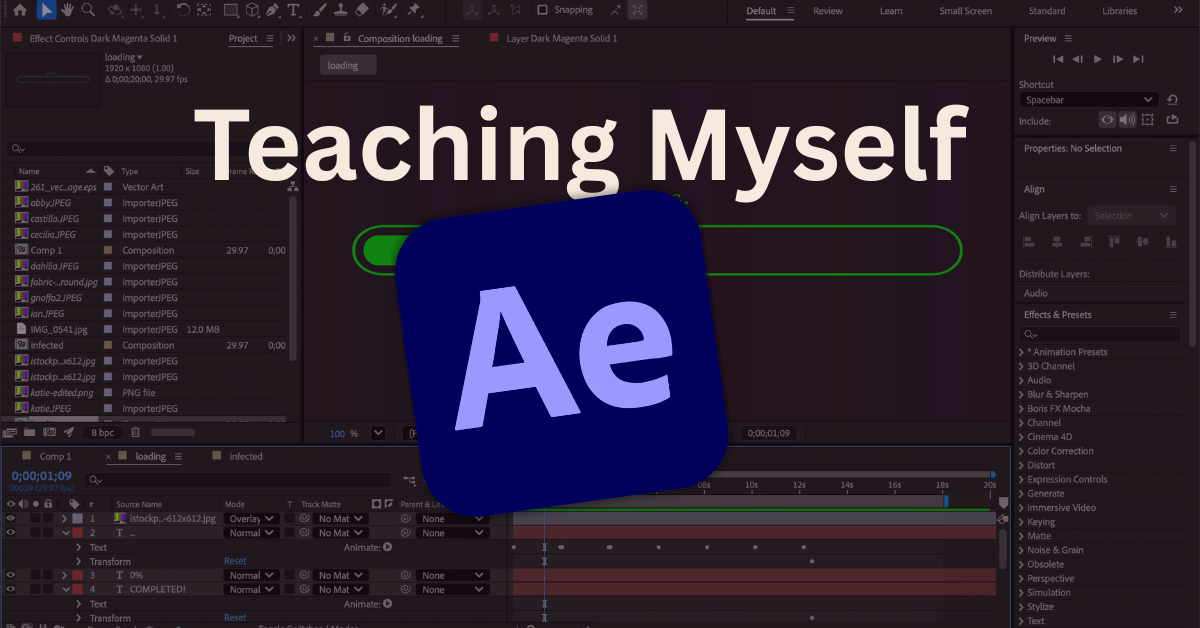
I taught myself Adobe After Effects.
Freshman year of college, I joined my school’s version of SNL, Quinnipiac Tonight, on the crew. For our show, anyone who wanted to could make an animated motion graphic to play as a title card during each sketch. I had recently switched my major from film to graphic design and thought this might be a good way to learn. The only problem was that I had absolutely no idea how to make one.
I volunteered and set up a time to sit down with the current Executive Producer of the show to learn. She showed me what a few different settings meant and how to set up my file. I watched her work and asked questions along the way.
After that one session, I did all future graphics on my own.
The first motion graphic I made on my own.
What is After Effects?
Adobe After Effectsis a software used primarily to create animated motion graphics, visual effects, and composite multiple visual elements together for applications like film and television.
In After Effects, you can animate titles, transitions, logos, and illustrations (this is primarily what I work with). You can work in 3D spaces for more complex animations. You can remove, “an object from a clip, [start] a fire or make it rain,” says the University of Kansas.
Just about anything you want to create, you can make it come to life in After Effects.
How I Taught Myself
Youtube Tutorials
When you’re looking to learn a new skill, I’ve found YouTube is the best place to turn. There is a video for just about anything, and if you have an idea in mind, chances are there’s a tutorial showing you how to do it.
Oftentimes, I have a vision for what I want the final animation to look like. Say I want to animate text on a path. I’ll search that on YouTube, find a tutorial that looks like what I am looking for, and follow along. This method is great for learning specific animations in After Effects. If you’re looking to learn, loads of tutorials explainAfter Effects for beginnersto help get you started.
TikTok and Instagram reels are also amazing tutorial resources for quick and easy effects. Whenever I come across a video that I don’t need now but may be useful in the future, I always save it in a folder for later.
Playing Around
Take some time to explore After Effects. Familiarize yourself with all the tools and how they work. Type out a word and create an object, apply effects from the“Effects and Presets” tab on the side panel. Tweak settings to understand how they change the final animation. This is a great way to see what you already have to work with in After Effects, so you don’t have to go searching for tutorials.
A good exercise is trying to create an animation you like without any outside help. It will prompt you to think, be creative, learn, and retain information more effectively.
Practice Practice Practice
If you use it, you lose it! If you don’t consistently work in After Effects, you’ll inevitably forget how to use it. Create consistently, and you won’t have to worry about taking any steps backwards to relearn skills. The more you work in the program and create animations, the better and more familiar you will get.
Gaps
Now, through a motion design course, I have had professional training in After Effects. It’s really interesting to me how teaching yourself something leaves inevitable gaps in your knowledge. When I took my course, I learned a few simple tricks I had not when I taught myself
Trim Paths: A simple way to animate lines without dealing with the headache is masks
Easy Ease:A keyframe assistant that makes animations look so much more natural and smooth
Once I learned these tricks, I thought to myself: “How did I not know this??”
Don’t forget, even if you think you’ve learned everything, there’s always room to grow.
Where I am Now
While my motion design skills may not be perfect, I have come so far from where I started. I’m a million times more confident in After Effects than I was three years ago, and that’s because of my determination and practice.
Before, I could barely remember to adjust an object’s rotation. Now, I’m confident in taking on just any vision.
There’s still room to grow. Next, I want to learn how to use After Effects’ Pre-comp and Camera features. As for software, I’m thinking about teaching myself the 3D software Blender next.
Learning incredibly daunting software on my own will always be something I’m proud of. It’s a testament to my abilities and persistence; to me, it serves as a reminder that you can achieve anything you put your mind to

Hi, I’m Sophia. I’m a graphic designer who’s passionate about creating intentional, strategic, and eye-catching designs. From brand identities to motion graphics and from stationary to large displays, I’m here to help translate your what’s in your mind to an effective and eye-catching final product.
Let’s make something great!
